
Hartford County VINELink Coverage
Connecticut calls its notification program CT SAVIN, and the public search runs on VINELink. The Judicial Branch describes the service as free and confidential. Anyone can search it. Registered users can receive notices. These tie to adult criminal cases or Department of Correction custody changes. Court events, protective orders, transfers, and releases form separate event classes. Plan on more than one registration. Do this if you need to follow both the case and the custody record.
Hartford County has no county sheriff, booking app, or jail roster. Hartford Correctional Center is a state DOC pretrial facility. It is not a county jail. State materials do not promise real-time entry for every Hartford, New Britain, or West Hartford police booking. A summons, prompt release, bond, or transfer may leave no current DOC result. It tracks one person. It is not a browseable list of Hartford County arrests.
The official Connecticut VINELink screen shows the entry point.
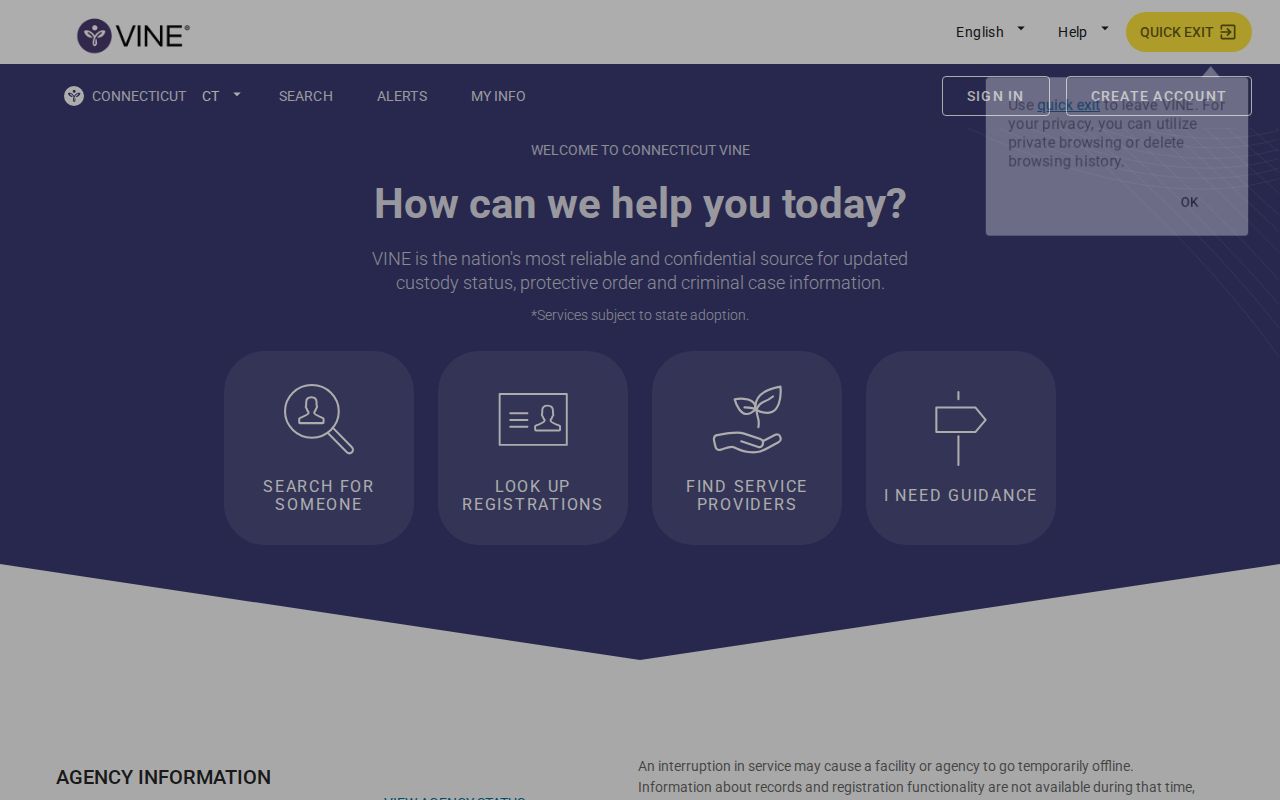
The blank search form displays no person, victim, contact detail, or notification PIN. Nothing private appears on screen.
Check a Hartford County Arrest
Start with the most exact identifier you have. The Judicial Branch brochure says VINELink accepts a defendant or offender's first and last name, a DOC inmate number or ID, or a docket or case number. A docket number points to a court case. It is not the same as a police case number, Hartford arrest number, or DOC inmate number. Name searches can return several people. Compare only the non-sensitive details you need to pick the right record.
- Open VINELink Connecticut and choose the search function for the relevant person or case.
- Enter the first and last name. Use a DOC ID or docket number when one is known because it is more precise.
- Review possible matches carefully. Do not assume that a shared name, age, or listed charge identifies the right person.
- Open the matching record and note whether it reports a court event, DOC custody state, facility, or another status.
- Confirm the result with the originating police department, the Judicial Branch, or CT DOC before relying on it.
For the arrest document itself, contact the municipal police log or records unit. Hartford posts a daily PDF. New Britain runs a weekly blotter. West Hartford publishes selected releases. Countywide pathways are laid out on the Hartford County recent arrests hub.
Hartford Arrest Status Fields
What you see depends on the record CT SAVIN holds. Keep court information and custody information apart. A court event tracks the progress of an adult criminal case. A custody event reflects placement. It can also show a change reported through DOC. Some fields may be missing, delayed, redacted, or outside the public view.
| Field | Meaning and caution |
|---|---|
| Name | The recorded defendant or offender name; spelling and identity still require care. |
| DOC inmate number | A state correctional identifier, not a municipal arrest or court docket number. |
| Docket or case number | The identifier for an adult court matter and the best route to matching court notices. |
| Custody status | The state reported at that moment; it can change after release, transfer, or court action. |
| Facility | The reported DOC location, which is not proof of the arresting agency or original booking site. |
| Event or notice type | A court, custody, or protective-order event based on the registration selected. |
A facility result helps you find someone still in state custody. Hartford Correctional Center serves several Hartford-area courts. Not every local arrestee goes there. A blank VINELink result can mean many things. Data may not have arrived, the person may have been released, the matter may use a summons, identifiers may differ, or the case may sit outside the system's scope.
Register for Hartford Custody Alerts
Registration starts once you pick the correct person or case. Connecticut materials allow multiple phone numbers or email addresses. Phone and TTY registration relies on a personal identification number, or PIN, to confirm receipt. Email and text alerts use a one-time process instead. The app's alert settings can handle mobile notices too.
- Select the correct person or adult case and choose Register or Alerts.
- Choose court-event notices, custody notices, or both. These may require separate registrations.
- Add the desired telephone numbers, email addresses, text option, or supported mobile notification channel.
- Create and privately store the phone or TTY PIN when prompted. Never share it in a public record request.
- Complete the one-time verification for email or text and review the listed alert types.
- Keep a direct safety plan. A notification service should not be the only source used in an emergency.
Call 1-877-846-3428 by phone. TTY access is 1-866-847-1298. The Office of Victim Services helpline is 1-800-822-8428 for victim-service questions, while VINELink stays automated and 911 remains the number for an immediate threat.
Court and Custody Alerts Differ
CT SAVIN runs through Appriss and VINELink, yet it joins more than one state information stream. The Judicial Branch CT SAVIN brochure lists adult court events, custody changes, and protective-order information. The state's biennial reporting also describes round-the-clock availability. Neither source promises a direct copy of each HCC intake. Nor do they cover every municipal arrest.
This matters after a Hartford County arrest. A court event can happen without DOC custody. Someone in custody can move facilities while the case runs on its own schedule. A court-only registration may miss a transfer. A custody-only registration may miss a hearing. Review both choices when both matter, and confirm court outcomes through the Judicial Branch rather than an automated notice.
When Hartford Alerts Do Not Arrive
A missing alert is not proof that nothing happened. Registrations can go stale. Start by confirming the enrollment covered the right person and the right event stream. Maybe the phone number changed. Maybe an email filter swallowed the message. Or the PIN went unanswered when the automated call asked for it. Court and custody sign-ups run on separate tracks. Check both before assuming one registration catches every update.
Next, go back to an official source. The Connecticut Judicial Branch criminal lookup shows public case events. CT DOC's inmate search reports who sits in state custody right now. A fresh Hartford police event often surfaces first in the city's rolling arrest PDF. New Britain works from a weekly blotter. West Hartford posts selected releases rather than a complete daily list. Those mismatched schedules explain the gap. One Hartford County arrest can appear in a single channel long before another.
If the online interface is down, call CT SAVIN's telephone line directly. The Office of Victim Services helpline answers questions about victim services. Any immediate danger belongs with 911 or local police. Never confront a person over a notification. Keep the alert, the PIN, contact details, and protected-party information off the internet entirely.
Hartford VINELink Limits
VINELink is not the Hartford Police arrest log. It is not a full Connecticut criminal history or a permanent archive. Data can lag behind a fresh arrest. The Hartford PDF may show the police event first, with a state custody record appearing later. The Hartford County 24 Hour Arrests page explains that rolling same-day source. CT DOC's search tracks current custody only. A released person may drop out of it. The police or court record may still stand.
Federal and immigration custody sit on separate systems. CT SAVIN does not advertise federal coverage. Someone held by the Bureau of Prisons or ICE needs the matching federal locator, and a blank federal result is not proof of release. Social accounts are supplements, not booking streams. The Hartford, New Britain, and West Hartford feeds will not carry every arrest.
Guard the registration details. A phone number, email, PIN, or safety-plan note never belongs in a screenshot or a public post. Use only the official Connecticut interface. Similar names and stale third-party pages make an official cross-check essential before trusting anything.
Search Public Records
Sponsored Results